Interactive birthday cards
that open like a gift
Most ecards show everything at once, and you've forgotten them by lunch. This one makes the recipient unwrap it: they tap, GIFs and confetti go off, and a gift link is sitting inside. That's what Birthdaypage builds.
For the friend who knows every story
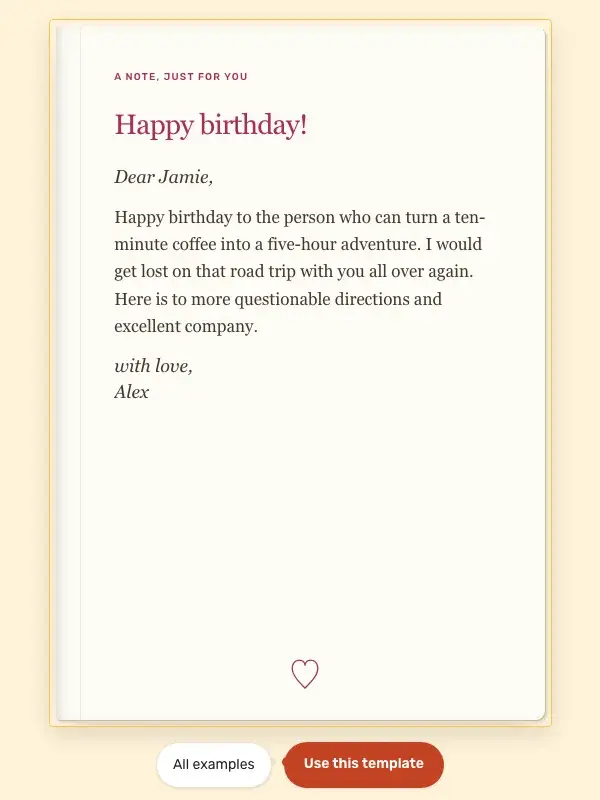
A bright confetti card with an inside joke and a sincere last page. Open it to try the reveal, or use the same starting text and make it your own.
Replace the road trip with a tiny story only the two of you remember. A specific memory makes even a short message feel personal.
What you actually get
Locked-gift opening
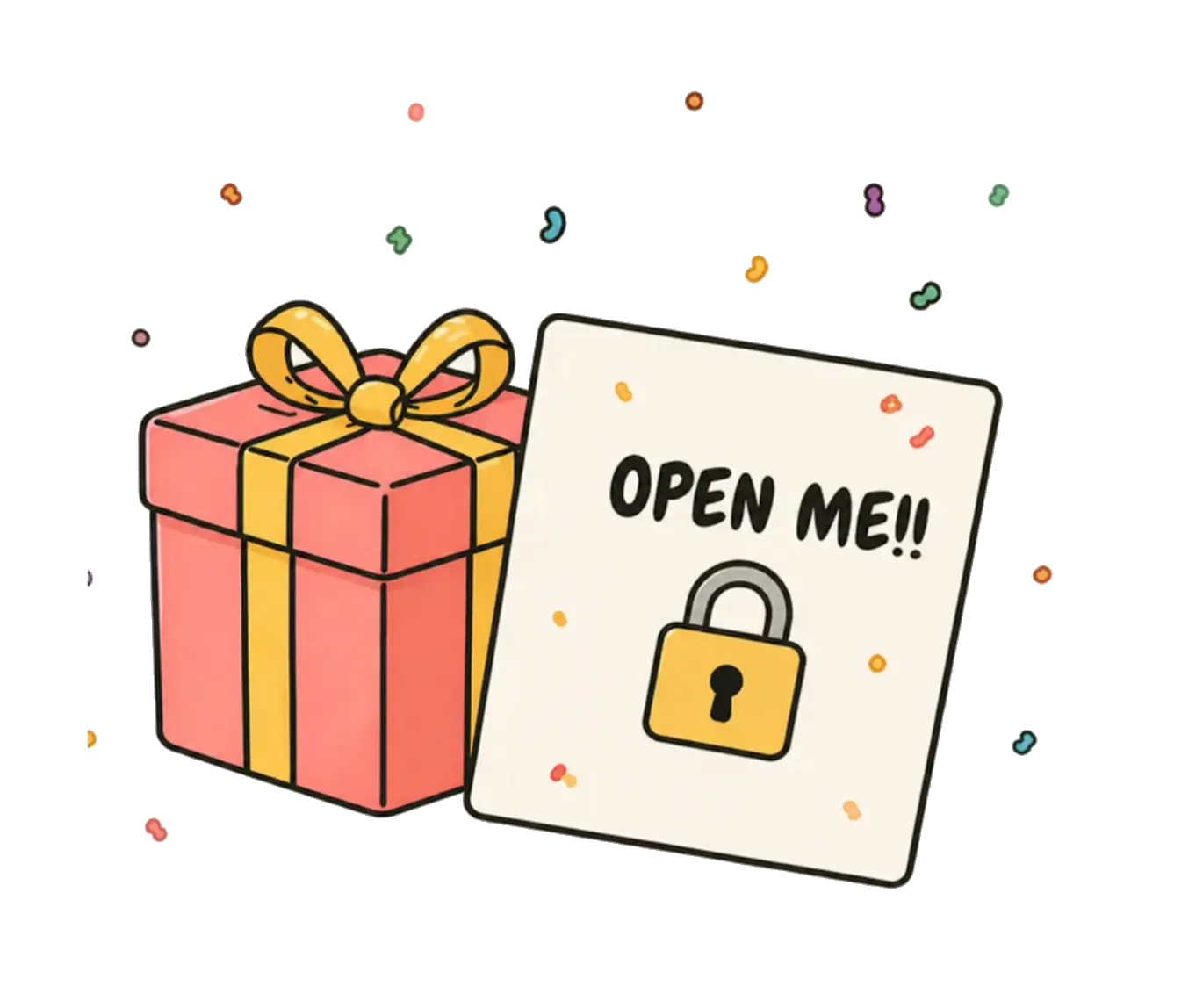
The card arrives wrapped. The recipient taps to open it, then the card plays.
GIFs from Giphy
Search the full Giphy library inside the editor. Pick whatever fits the moment.
Confetti and effects
Confetti fires when the card opens. Pick a colour or an emoji burst that matches the vibe.
How an interactive card comes together
- 1
Build the card
Add a message, search for GIFs, upload a photo, pick effects.
- 2
Add a surprise (optional)
Embed a gift card or Amazon link. It reveals when they open the card.
- 3
Send the link
Share by text, WhatsApp, or email. They tap the wrapped gift to open it.
Common questions
What makes a birthday card 'interactive'?
Instead of a static image, the recipient taps a wrapped gift to unwrap it. The card then plays animations, shows your GIFs and message, and reveals any embedded gifts you added, like opening a real present.
How is this different from a regular ecard?
Regular ecards show everything immediately. An interactive card has a reveal moment, so the recipient has to open it. It feels more like a gift than a notification, which is the whole point.
Does the recipient need an app?
No. The card opens in any browser: phone, tablet, or laptop. Nothing to download, no permissions to grant.
Is an interactive birthday card free?
Yes. You can send an interactive card with a free design and up to two surprises, like a GIF, a photo, a note or a gift link, without paying anything. Birthday Boost is an optional paid upgrade that adds premium designs, effects, more surprises and a voice note.
Can I add video or my voice?
Video uploads aren't supported. For movement, search Giphy right inside the editor; for something personal, upload your own photos. With Birthday Boost you can also record a voice note, so they hear you actually say happy birthday.
Can I make an interactive birthday website instead?
That's what the card already is. Every surprise you add becomes its own page, so the recipient flips through it like a small website at its own link. Add more surprises and it grows into a full birthday website.
What devices does it work on?
Anything with a modern browser. Tested daily on iPhone, Android, Chrome, Safari, Firefox, and Edge. iPhones from 2015 onward open it fine.
More ways to use Birthdaypage

Build an interactive card
About a minute to build, opens in any browser, costs nothing.