Free birthday cards
you can actually send
Choose a free design, write your message, and add up to two surprises. Enter your email at completion and share the link; your recipient needs no account. Birthday Boost adds optional premium designs, effects and gifts, with its price shown before checkout.
Short, warm, and ready to send
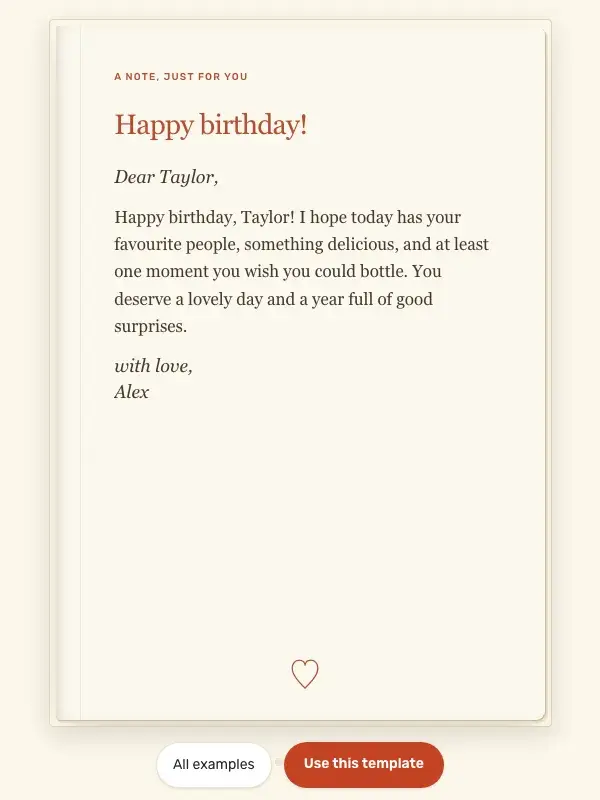
One good message and a birthday promise, with a free classic design. Open it to try the reveal, or use the same starting text and make it your own.
A warm, specific sentence is enough. Change the names and the birthday promise, preview it, then share the link.
What 'free' actually means here
Free to send
Build the card, share the link, the recipient opens it, all free. Birthday Boost adds optional premium designs, effects and gifts, with the price shown before checkout.
No account for the recipient
They click the link, the card opens. No signup, no app install, no email verification.
Send as many as you want
Birthdays come in clusters. Make a card for each; the free tier is unlimited.
How to send a free birthday card
- 1
Pick GIFs and write a message
Search Giphy from inside the editor. Drop in any GIF. Write what you want to say.
- 2
Add a gift if you want
Embed a gift card link or wishlist URL. Free.
- 3
Share the link
Send the link by text, WhatsApp, email, or any other channel. The recipient sees the card immediately.
Common questions
Is Birthdaypage really free?
Yes, sending a birthday card is free: the card plus up to 2 surprises (a GIF, photo, note, or gift link) and the basic confetti effect cost nothing. Extra surprises, voice notes, money gifts, and premium effects (balloons, rockets, glitter stars, custom emoji confetti) are part of the optional Birthday Boost upgrade, priced before checkout — and Birthday Club members get every premium card included.
What's the catch?
No catch. The site is small and self-funded. There are no ads and the recipient sees the card without any branding takeover. Premium effects are an optional sparkle, not a paywall around the card itself.
Do I need an account to send a free birthday card?
You enter your email on the last step so you can come back and edit the card later, but no password is required. The recipient needs nothing; they just click the link.
Is there a watermark on the card?
No. The card shows the message, GIFs, and gifts you added. The only Birthdaypage branding is a small footer link, not a takeover.
Are there limits on how many cards I can send?
No hard limits. Send one a year for your mom, or twenty in a week for the office. Both are fine.
More ways to use Birthdaypage

Send a free birthday card
Free to send. Add optional Birthday Boost features if you want more.